Introducing our latest products

Meet Robby, our new speech interface for MSX.
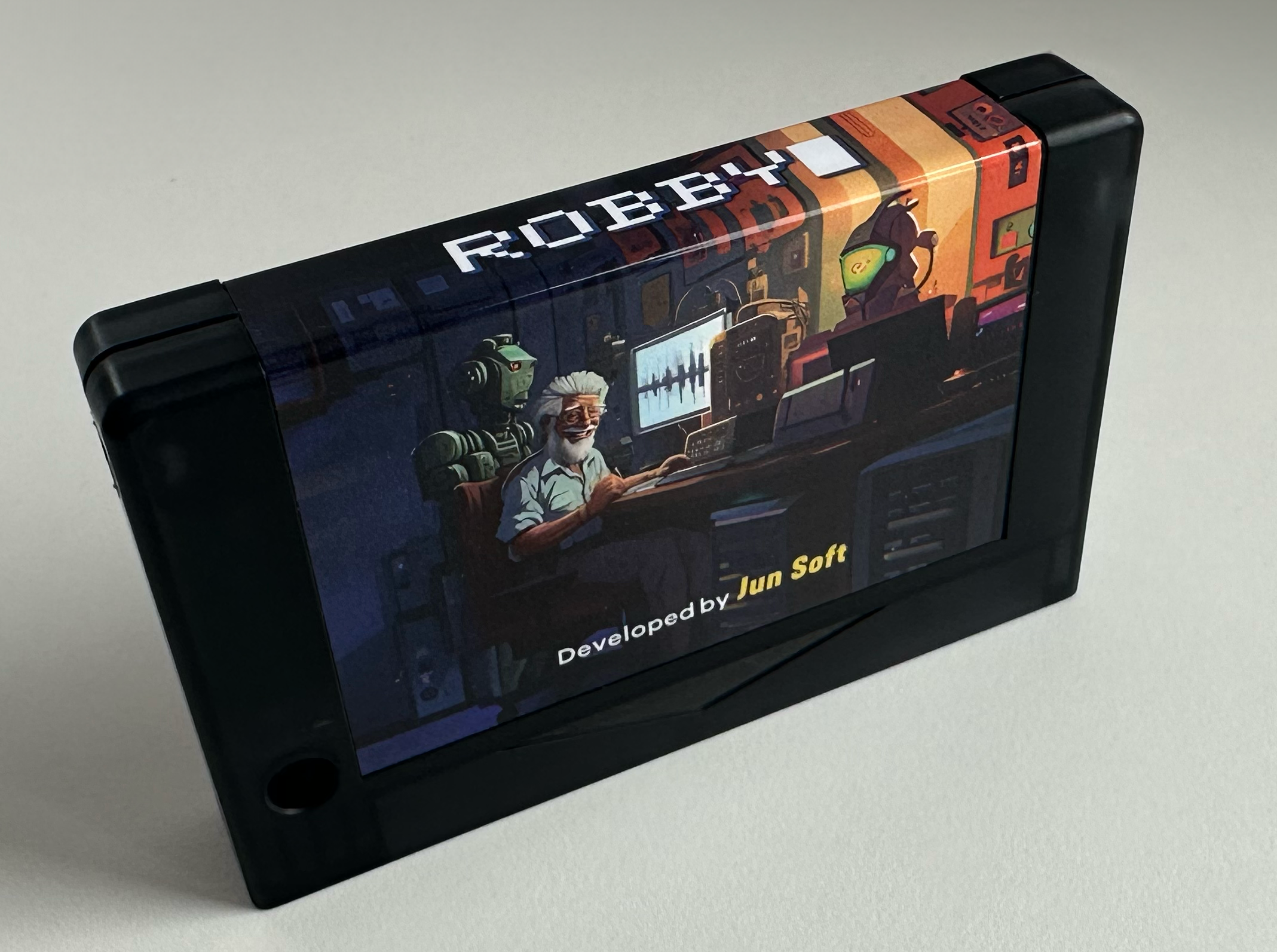
Developed by JunSoft, Robby can be your talking companion for hours! Programmable from basic and machine code, this eighties speech chip with additional processors for audio processing can keep you busy for hours. Who needs AI when you can get a real robotic voice? Finally your best friend can talk to you too! Comes with full colour box. Manual is downloadable from the product page.

SoundStar, your offbeat stereo PSG synthesizer & album
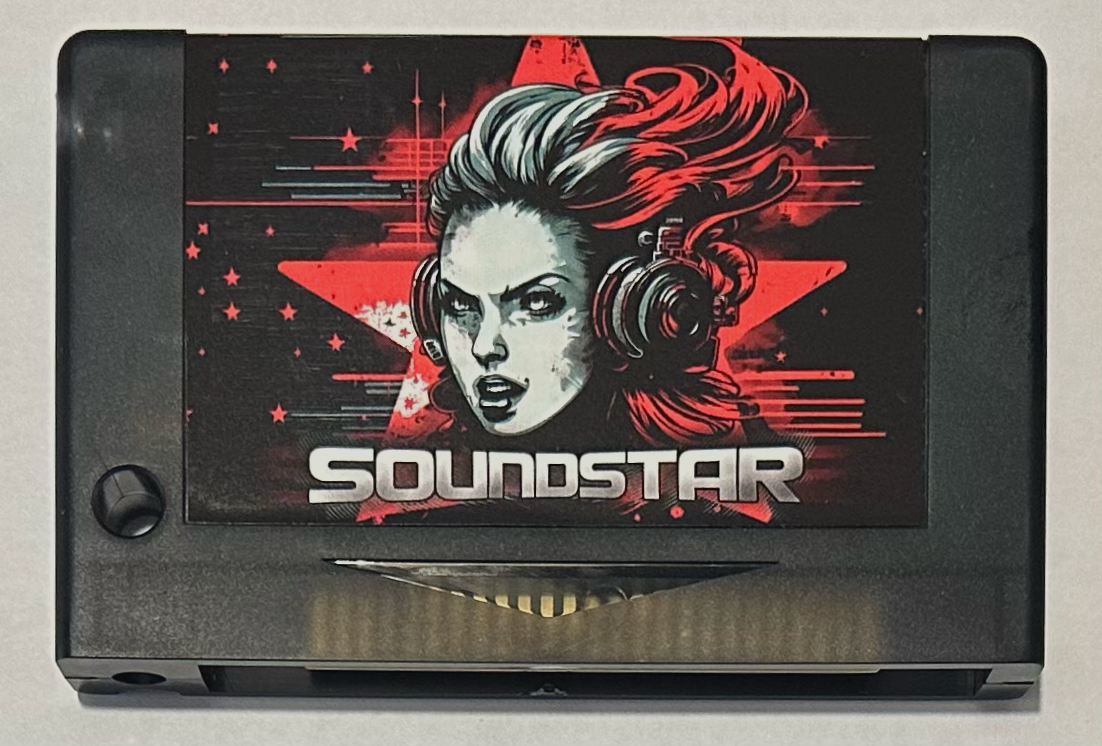
SoundStar contains the six channel stereo SAA1099 sound chip developed by Philips during (perhaps for?) the commercial MSX era. It was really ahead of it’s time. Because of the wider frequency range it can produce really great sounds from deep basses to high pitched hihats. Included in the cartridge is a build in replayer developed by Laurent Holst (Grauw) with a selection of the best songs made by composer Dennis Sanders (Pyramex) which called this “probably the most rare format to make an album”. External support for over 300 songs in Roboplay and VGMplay is available.  Get your copy of this rare music album in MSX cartridge format for only 50 euro. (Please buy one so I don’t need to put my angry wife on the next cartridge label! ;). Order here!

Slotexpanders and MIDI-PAC’s
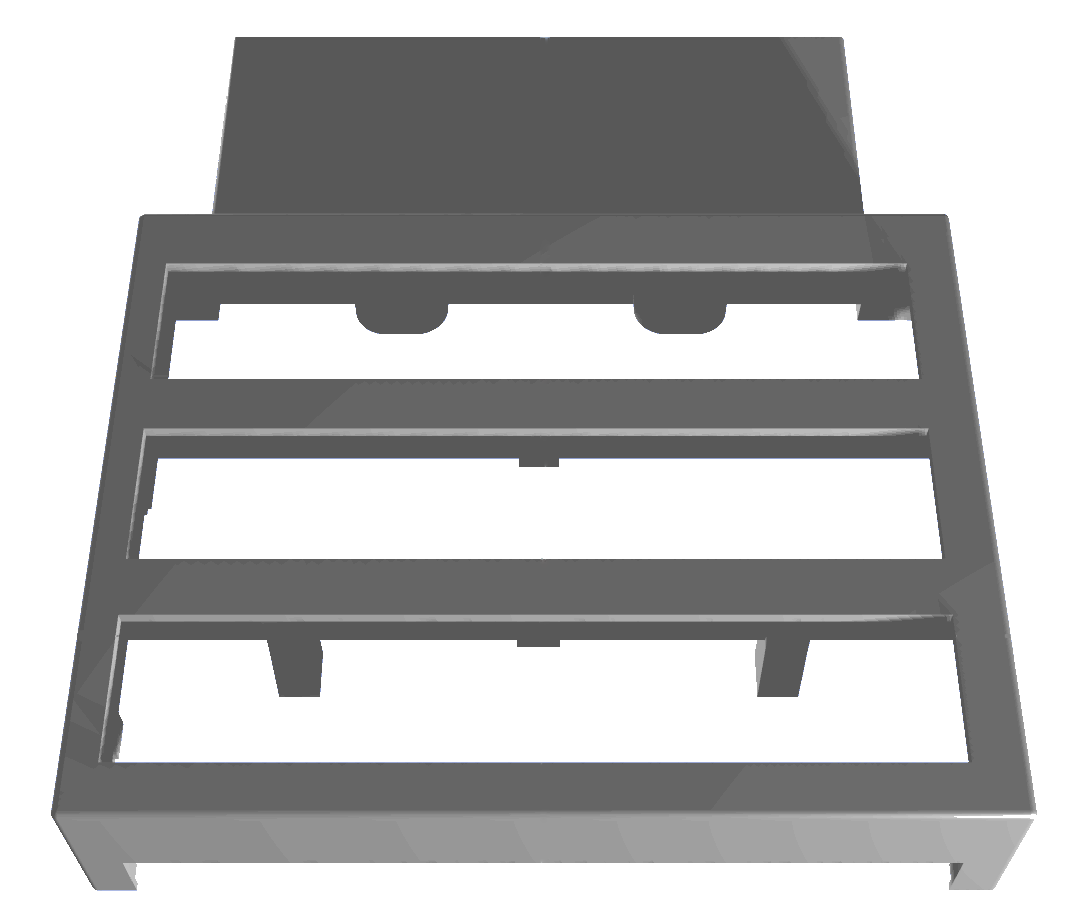
We have a few of our Modulon slotexpanders ready (and parts stocked to build more). Already housed in version 4 of our 3D printed casing. Now for a discounted price! Get your Modulon slotexpander here: Modulon – Supersoniqs

We are also finalising a new batch of MIDI-PAC2 cartridges so don’t hesitate to order one if you want one!

New! Darky Junior. Meow!
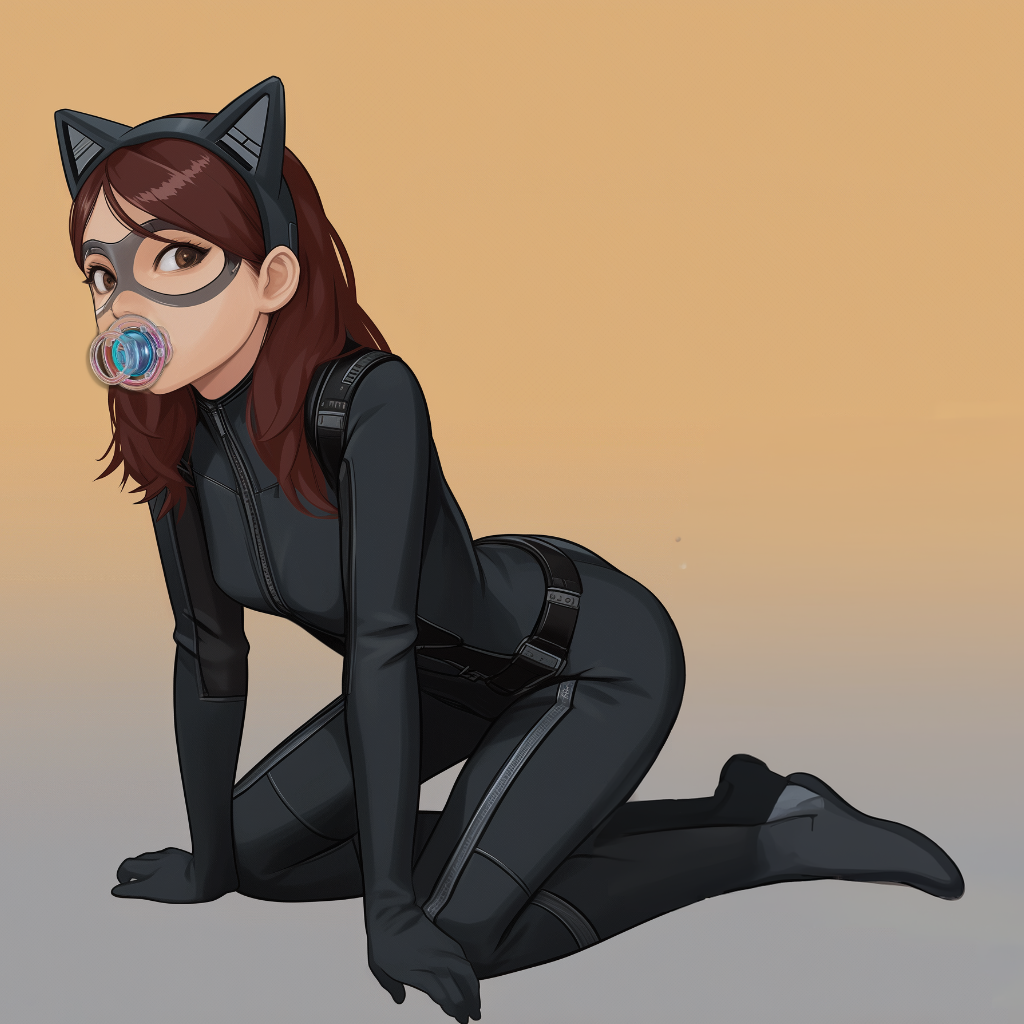
Since prices of the AY-8930 sound chips are currently prone to teeth sharp market fluctuations; we now offer our Darky Stereo Sound Card with effects processor and three mixers also with normal PSG processors. For about half the price of a normal Darky you will have all of the functionality. Chips can be swapped later (they are installed on sockets) when good deals come to us again. Full color manual and box included for only 79 euros. Link.

Makoto YM2608 Sound Processor Cartridge
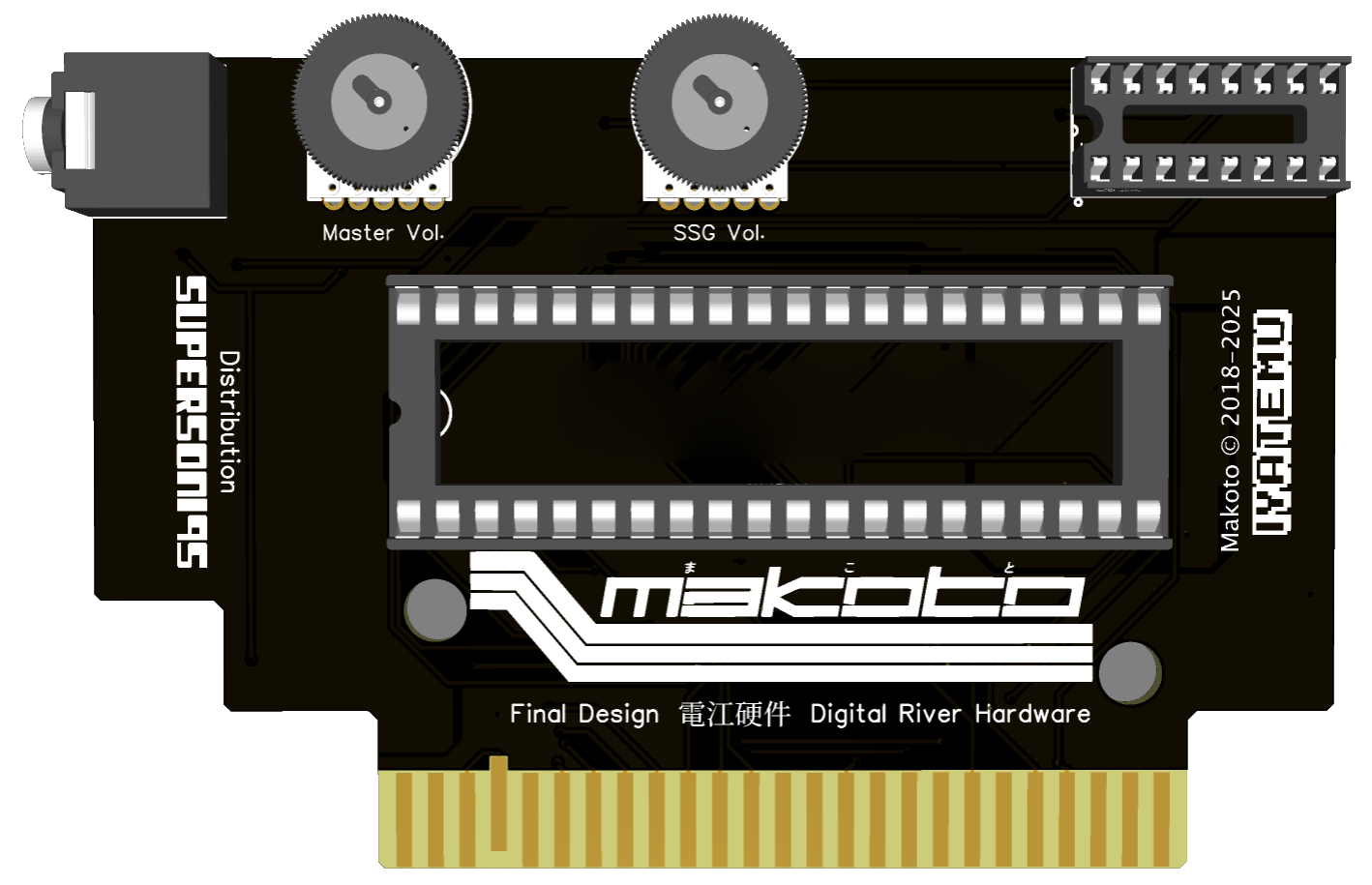
Together with Electric River Hardware we brought the YM2608 Yamaha Sound Processor to MSX. This device, called Makoto has been in development since 2018, originally by Iyatemu. This OPN card features 6 FM channels, a PSG and 4 Bit ADPCM. If you like the music of NEC’s PC-8801/PC-9801, Sega Megadrive and Fujitsu FM-towns games, this card should be part of your collection.

IF-7900 VHD Interface reproduction

Currently available is the IF-7900 VHD-Interface reproduction for MSX. VHD is the Japanese predecessor of the Laserdisc system made by JVC (Victor). A few titles were released on VHD for the MSX. Apart from this you can of course also control other VHD discs or make your own programs in MSX Basic.  Check the promo video of JVC here: VHD Video Disc Promo . SuperSoniqs produced this cartridge together with Heikki (the creator) and we will distribute this cartridge. Order here

Introducing the PlaySoniq Hub

For the PlaySoniq, the Sega Audio Video expander for MSX (Including SCC/SCC+, 16MB memory and Commodore 64 SID) we made a HUB. This way you can easily connect different audio and video cables to the PlaySoniq. For 30 euros you will get the assembled HUB, A 3D printed enclosure, a new isolated connector cable to connect your PlaySoniq and a new RGB to SCART cable. Apart from the audio in port this Hub should also work with our first Sega VDP cartridge “Franky”. Get it here!
MIDI-PAC2 without MIDI synth hardware

If you have your Windows PC next to your MSX setup this tip we got might be for you. There are ways to use your Windows PC as the MIDI playback device.

You need a few things. First of all, Microsoft removed support for extra midi mappers since Windows 8. You’ll need a midi mapper to install alternative playback devices for playing MIDI. There’s a default MIDI playback device installed in Windows, but the quality is low and it lacks a lot of professional features.

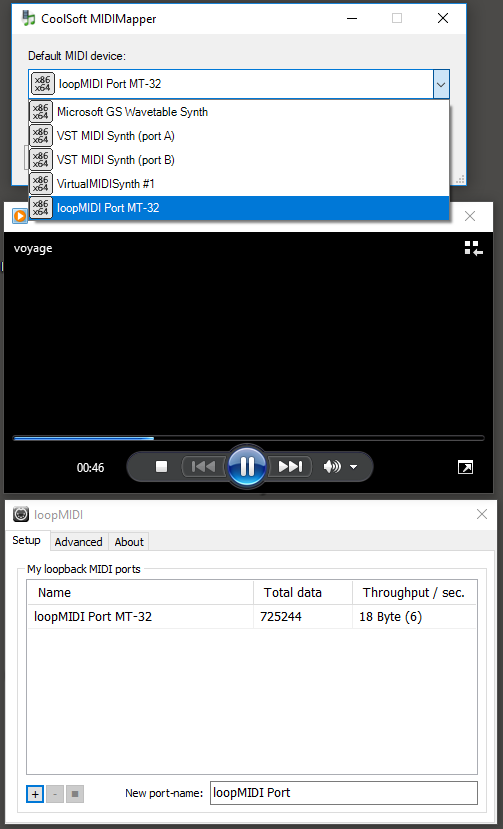
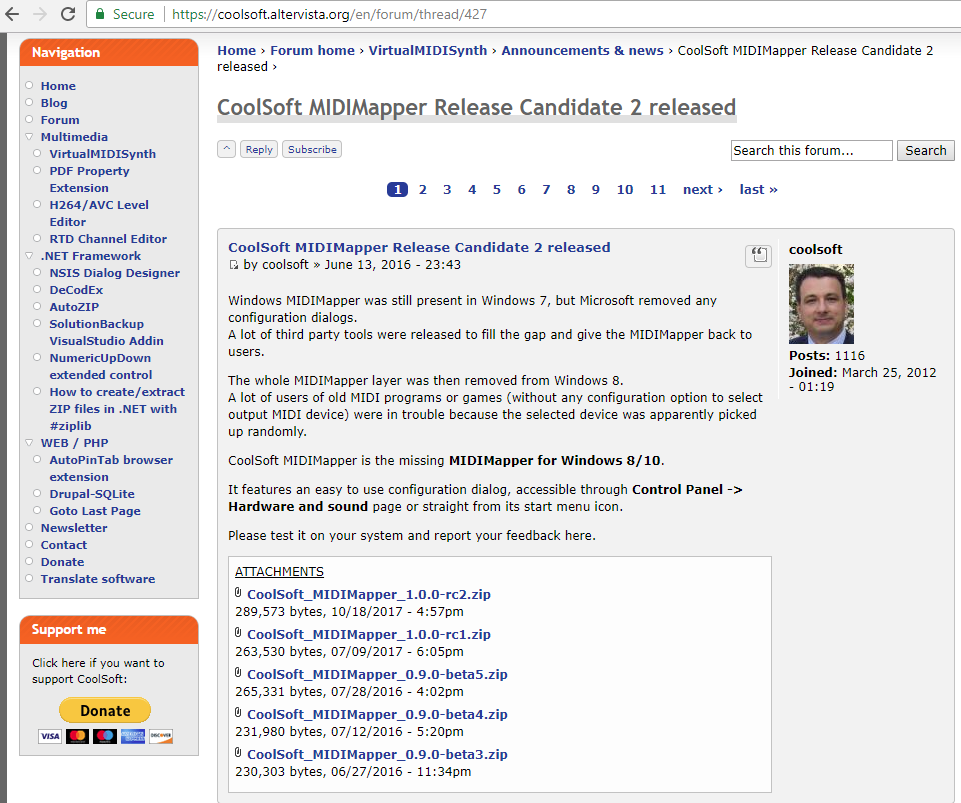
For Windows 8 and up, you need to install Coolsoft’s MIDI-Mapper.  It can be downloaded from https://coolsoft.altervista.org/en/forum/thread/427 after registering for that forum. Coolsoft Midi MapperThen there are several ways to install a better software synthesizer. Coolsoft’s has also made available the Virtual Midi Synth, that can be downloaded from Coolsoft’s forum and it will add a new MIDI playback device under Windows. It’s soundfont (sample based synthesis) based.
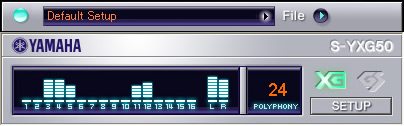
Another option is to install the S-YXG50 software synthesizersyxg50 This shareware synthesizer was released by Yamaha in 2003 and supports XG and Roland GS extensions. Basically it’s the software version of the MU-50 MIDI Sound Module.
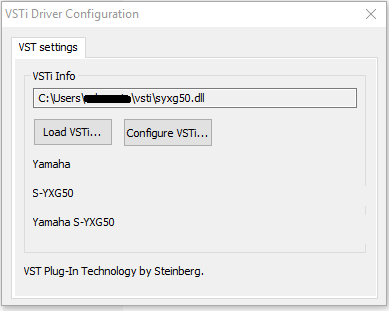
installing2


It’s wrapped in a vSTi (plug-in software standard for audio editing programs). To get it to work as a global MIDI device under Windows, you need to install a vST MIDI-driver. The vST MIDI-driver can be downloaded from ‘Mudlord’s Lair’.

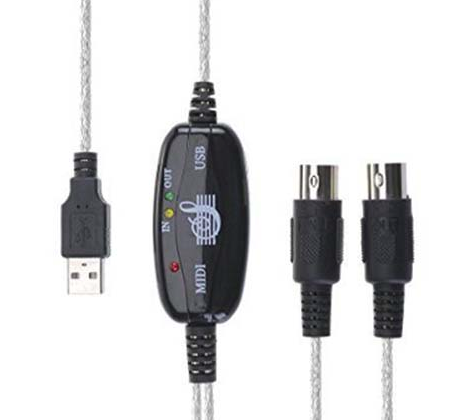
usb midi


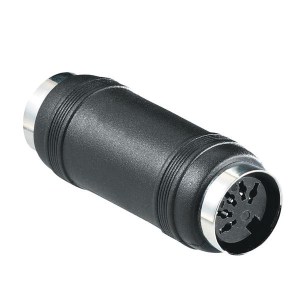
An USB to MIDI cable can be ordered from different sites. Aliexpress sells them for around $5 including shipping. You’ll also need a 5 pin din midi coupler to connect the MIDI-PAC cable to the pc midi cable, that can be bought for about $2.5, also at Aliexpress.

Further reading, viewing and listening:

1.XG MIDI Files archive.
2. Soundfont MIDI Player as better alternative for playing MIDI files midi player
Youtube video with the MIDI Player and S-YXG50 together:

3. Roland Sound Canvas vSTI obtainable as test or buy for 115 euro. Video here:

4. The LoopMIDI driver to reroute programs that want to open hardware MIDI ports under Windows to your installed software synthesizers (e.g. for playing old dos games etc.)
5. There’s also a MT-32 emulator on Github (thanks Grauw). Please note that you first need to install the Coolsoft MIDI Mapper and create a loopback port with the LoopMIDI driver before you can use the emulator as the global MIDI playback instrument under Windows 8 and up.

MT-32a.png

To support legacy MIDI programs like MT-32 emulator you first need to create a virtual hardware port with loopMIDI. Then you can can select the new virtual MIDI port as the default Windows MIDI device with Coolsoft’s MIDI-Mapper.

Also, the MT-32 emu comes default without the system roms like openMSX.

MT-32b

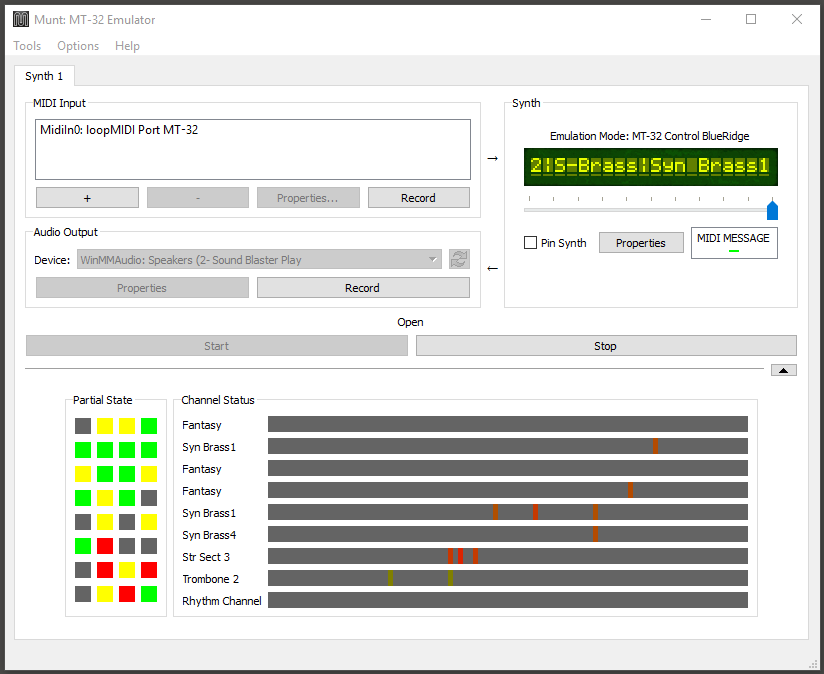
After creating the hardware port with loopMIDI, you can assign it to the ‘Munt’ MT-32 emulator under the Tools menu of the MT-32 emulator (first option: ‘New midi port’). After assigning the port you can use normal Windows programs like Windows Media Player to play MT-32 files. With the Coolsoft’s MIDI-Mapper you can also easily switch between (Virtual) MIDI devices for default MIDI-Playback.

6. MT-32 files of XAK: The Tower of Gazzel and Illusion City can be found here
7. Another collection of MT-32 MIDI files can be found here. Please note that the drum channel is different on a MT-32 so these MIDI files may sound off when using another MIDI-playback device.
8. Some more MSX-themed general MIDI files at MSX Resource Center

MSX user ToughKidCST Kim made a movie with the Coolsoft MIDI mapper and Virtual Midi Synth implemented. See it in action below!

Happy listening!

PlaySoniq and MIDI-PAC together

Last Saturday, the monthly MSX Mariënberg meeting was held. We still had all the PlaySoniq, MIDI-PAC and MSX gear in boxes due to the Bonami retro fair that was held one week before. So we could easily also show a little demonstration in Mariënberg.

At the Bonami fair, people liked the PlaySoniq and the MIDI-PAC. For the PlaySoniq we had to convince people that it was actually a MSX that was playing Sega games. For the MIDI-PAC we’ve got questions about which CD’s we were playing (while we actually were demo-ing MSX games). This was also partly due to Tjeerd bringing his Yamaha XG wavetable MIDI module. Which actually blows away our simple Yamaha TG-300 tone generator.

Over the last weeks, we also managed to let the PlaySoniq work together with the MIDI-PAC.There are about 64 Sega Master System games with support for OPLL (the same chip as in the MSX Music standard or the FM-PAC has). Since the PlaySoniq can reroute that music and sound effects to the MSX, the MIDI-PAC can pick those up too and convert that to MIDI data on the fly. In short: with the PlaySoniq and the MIDI-PAC combined, you can also enjoy your SMS-FM games with your MIDI equipment. Try that with a Master System Console 😉

We recorded a little video at Mariënberg to show the MIDI-PAC and the PlaySoniq working together. A big thank you to Filip Slagter who was willing to demo YS2 FM and Scramble Spirits on the PlaySoniq and MIDI-PAC combined. And Firehawk with the MIDI-PAC. we hope you like this video. But keep in mind that this demo was recorded with a phone (and the TG-300). A lot of the lower frequencies in the bass and drums sounds are therefore missing in the sound output.

PlaySoniq tips

Some users report that their FM-PAC is not working with the PlaySoniq. Others report that the joysticks are not working. For FM-PAC support you first have to activate the FM-PAC. After typing CALL MUSIC (or add this enty in the sega.bas file) everything works. Albert Beevendorp wil release a tool with which you can activate the FM-PAC from MSX-DOS. We hope to make this available soon. For joystick support you also have to edit the sega.bas file. By default only the keyboard is active. To change this, change line 120 by entering ‘ 120 OV=4 ‘ and save “sega.bas” again. Please note there’s an overlay matrix in the manual were you can check which option best suits your needs, or the game you want to play. PCEFAN reports that overlay code 3 works best in most situations. Just try and check the results for your configuration.

If you experience soft SCC sound, there a few ways around this. First of all, there’s a volume adjuster on the PCB which you can adjust to balance the SCC mixing. Please check the manual for details. To get full control over the audio mixing, also for mixing OPLL sounds with PSG, MSX with PlaySoniq and our upcoming MIDI-PAC we bought a Behringer VMX-300 3-Channel audio mixer. These can be picked up for about 50 euros at local or webbased trade-in markets. New it’s about 120~150 euros. We got ours for 50.

You can see the VMX-300 and the MIDI-PAC prototype in action here: